
VIP Features
The VIP (Visually Impaired Person) is the primary user who wears the glasses. The app gives you full control over your device, contacts, and data.
Home Screen
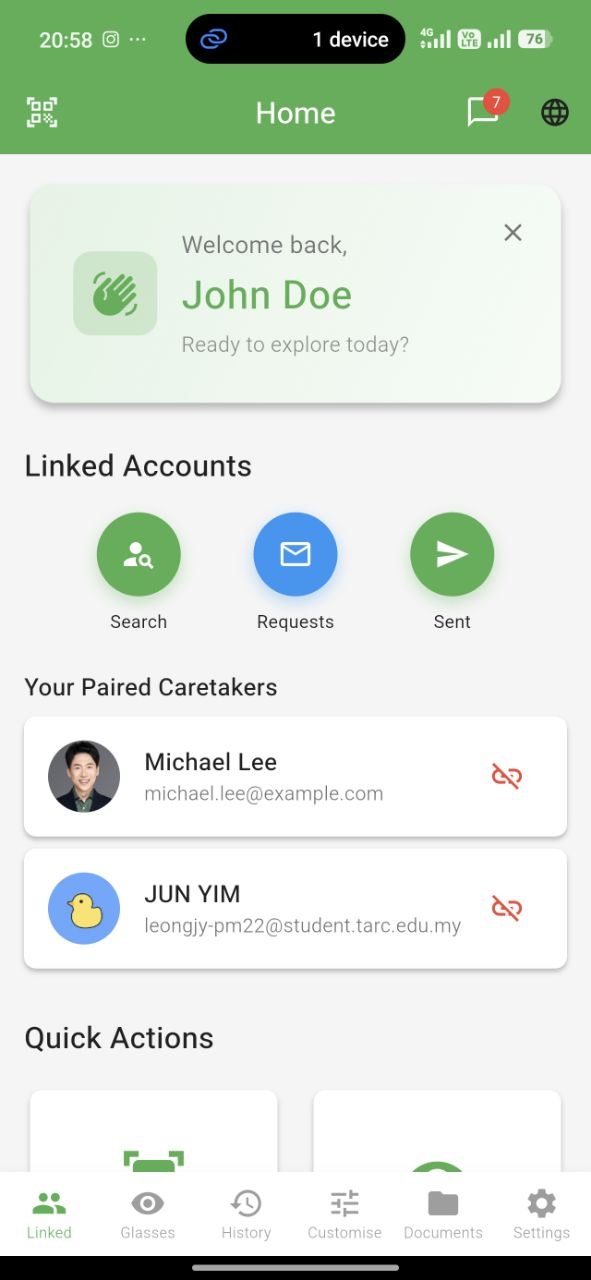
The VIP home screen is organized into tabs for quick access to every feature.
Familiar Faces
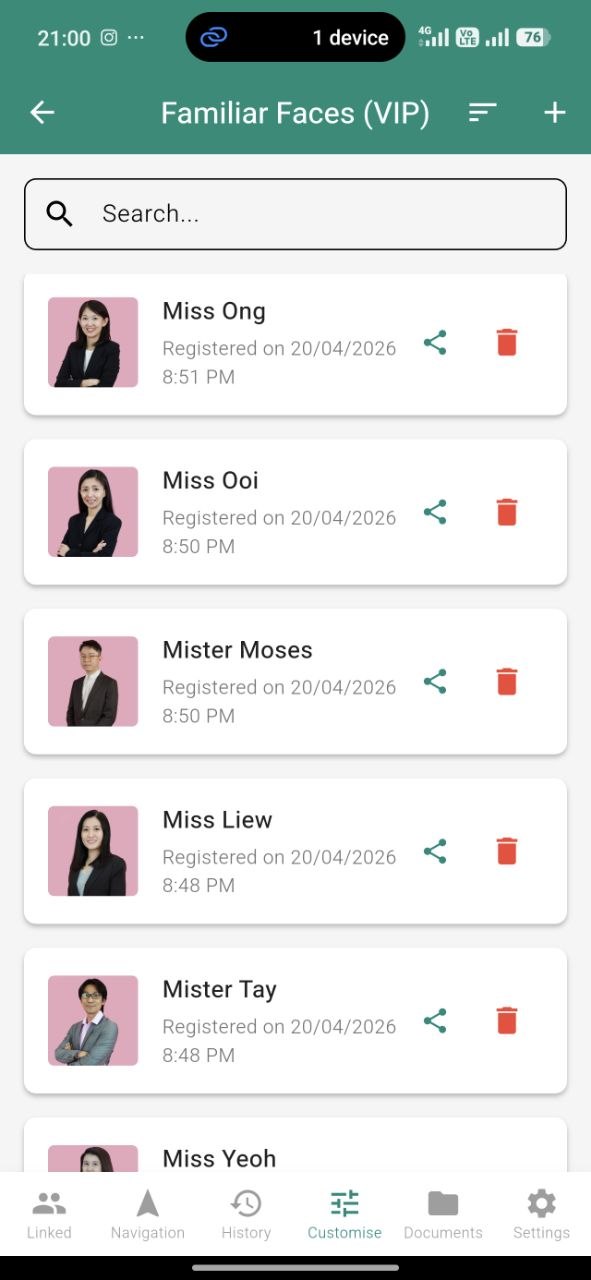
Register the people you want VISION to recognize.
How to add a face
- Go to the Faces tab
- Tap Add New Face
- Take a clear photo (or upload from gallery)
- Enter their name
- Save — it syncs to your glasses instantly
The app can also check if a new face might already be in your list, to avoid duplicates.
Detected face history
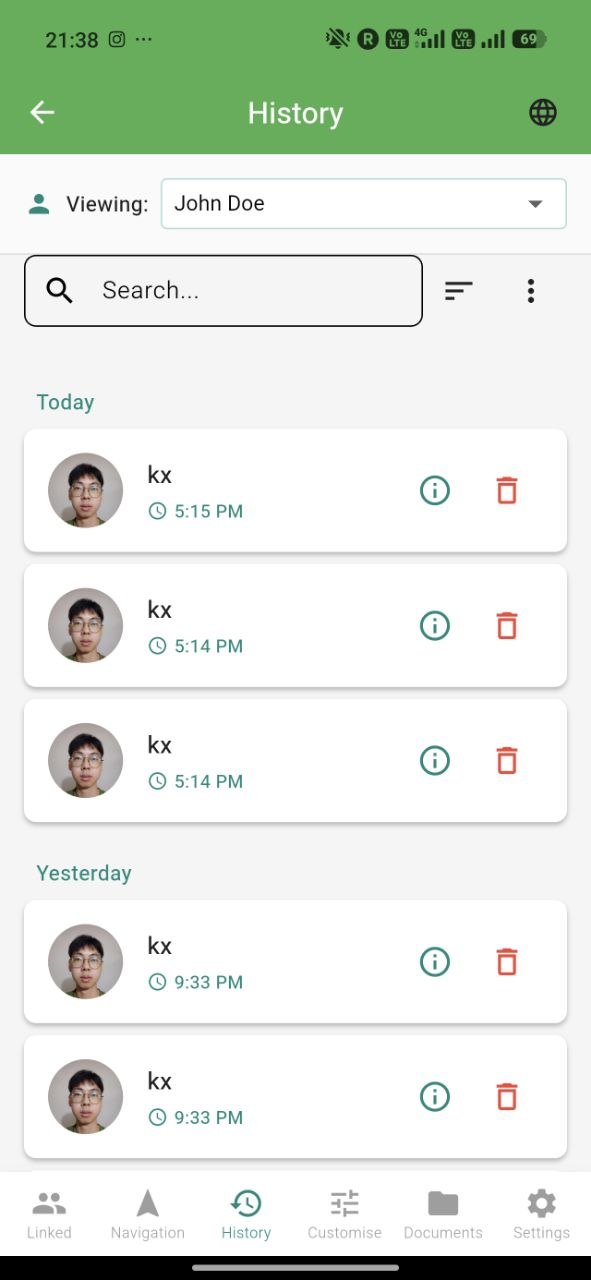
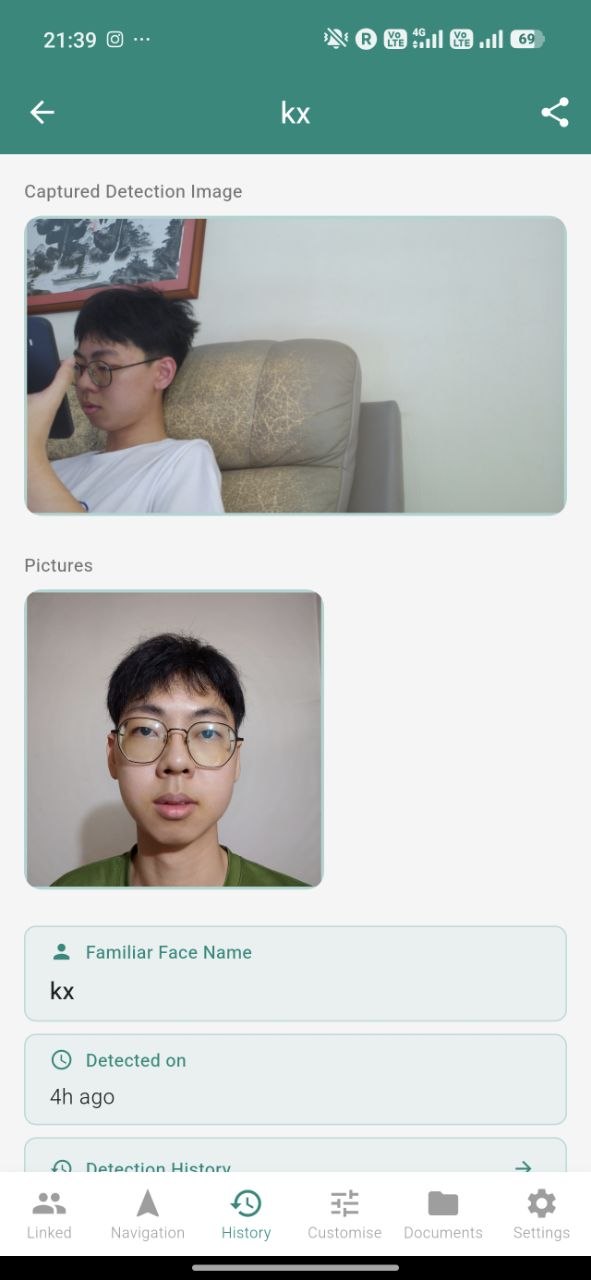
Every person your glasses have recognized shows up in a timeline — when and where, along with a snapshot. Tap any entry to see the detection details and the exact location on a map.
Scanned Documents
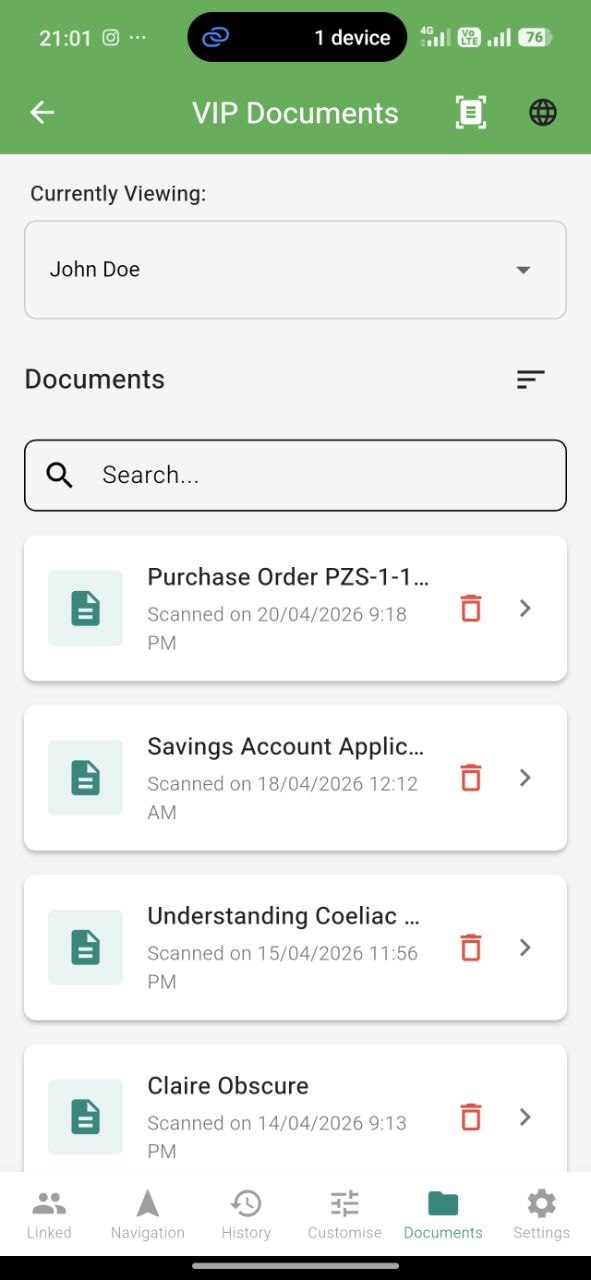
Every document you scan with “Scan document” appears here — and you can also scan directly from the phone if you prefer:
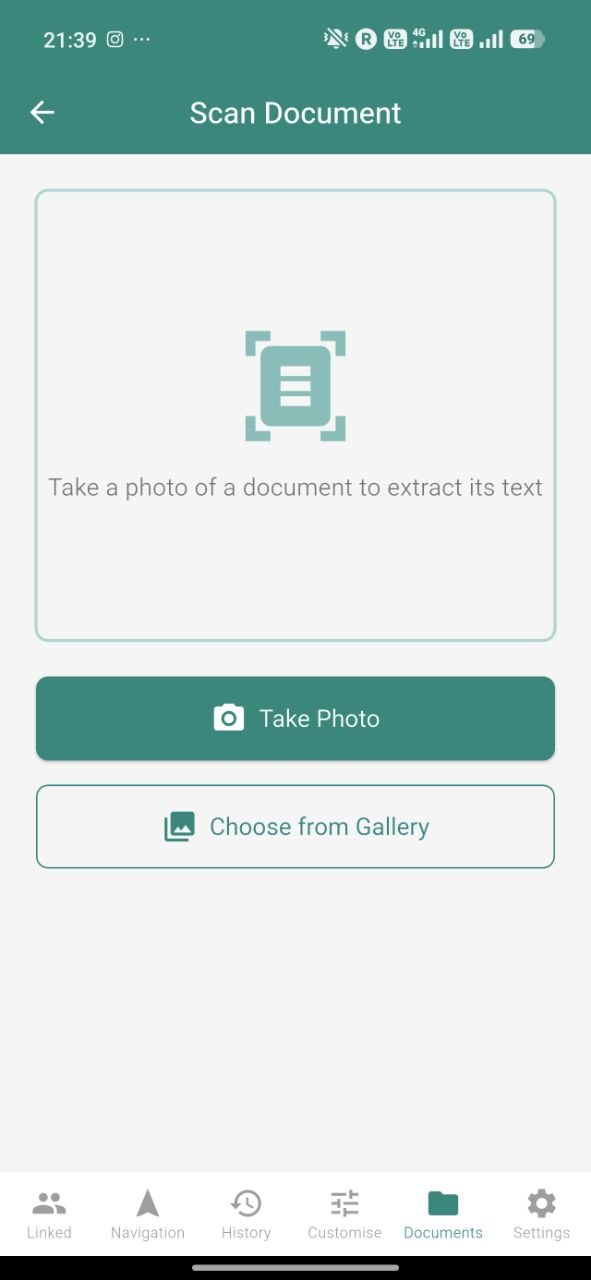
Tap Scan in the Documents tab to use your phone’s camera instead of the glasses — useful for tight spaces or documents on a table.
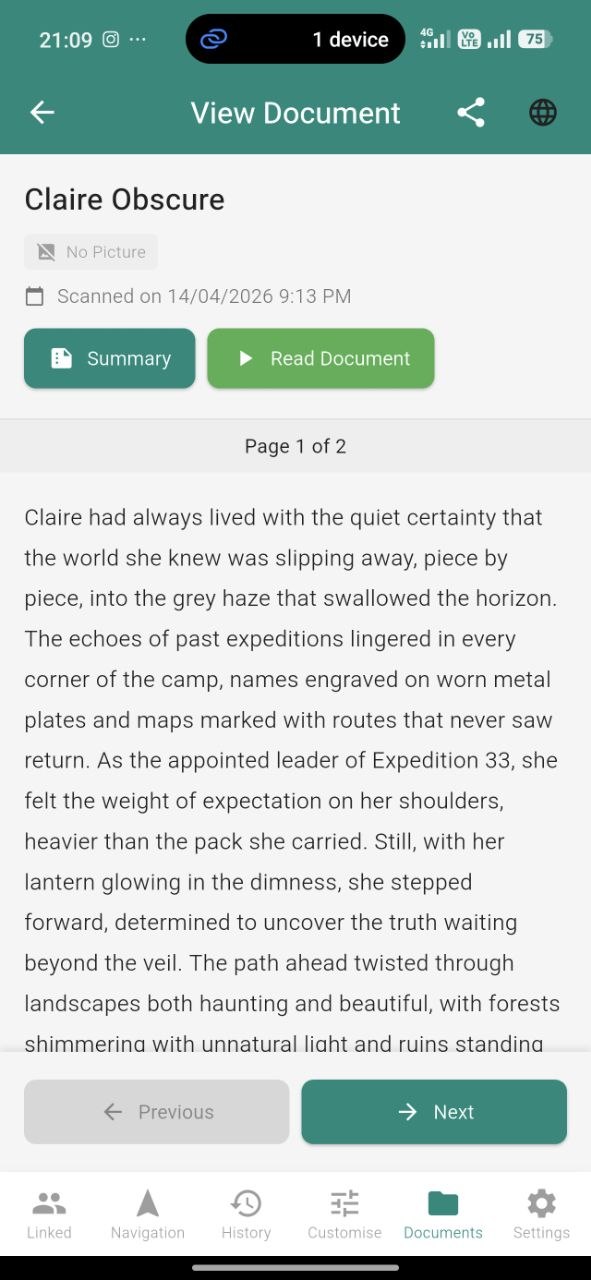
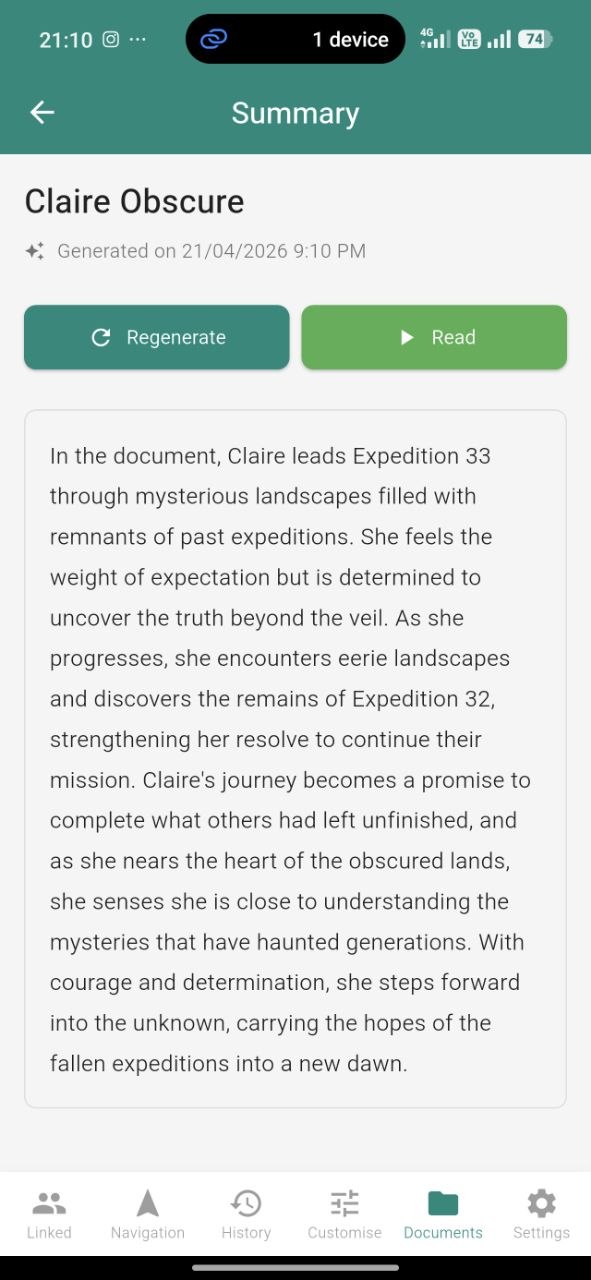
For each document, you can:
- Re-read the full extracted text at any time
- View the AI-generated summary for quick reference
- See the original photo captured by the glasses
- Share the document with a caretaker via chat
Favourite Locations
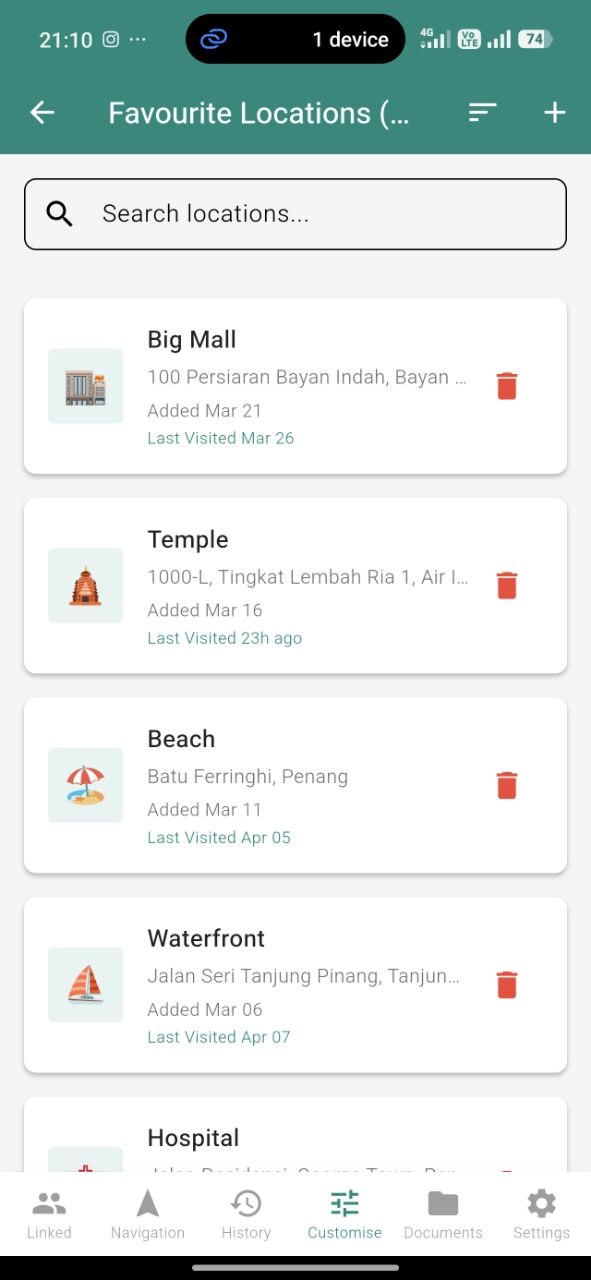
Save places you visit often for quick voice-powered navigation.
For each favourite you can set:
- Custom name (e.g. “Home”, “Mum’s House”, “Clinic”)
- Emoji tag (🏠, 💼, 🏥, ⛪, 🍜)
- Address
- See when you last visited
On the glasses, say “List favourites” or “Navigate to favourite” to use them hands-free.
Visited Location History
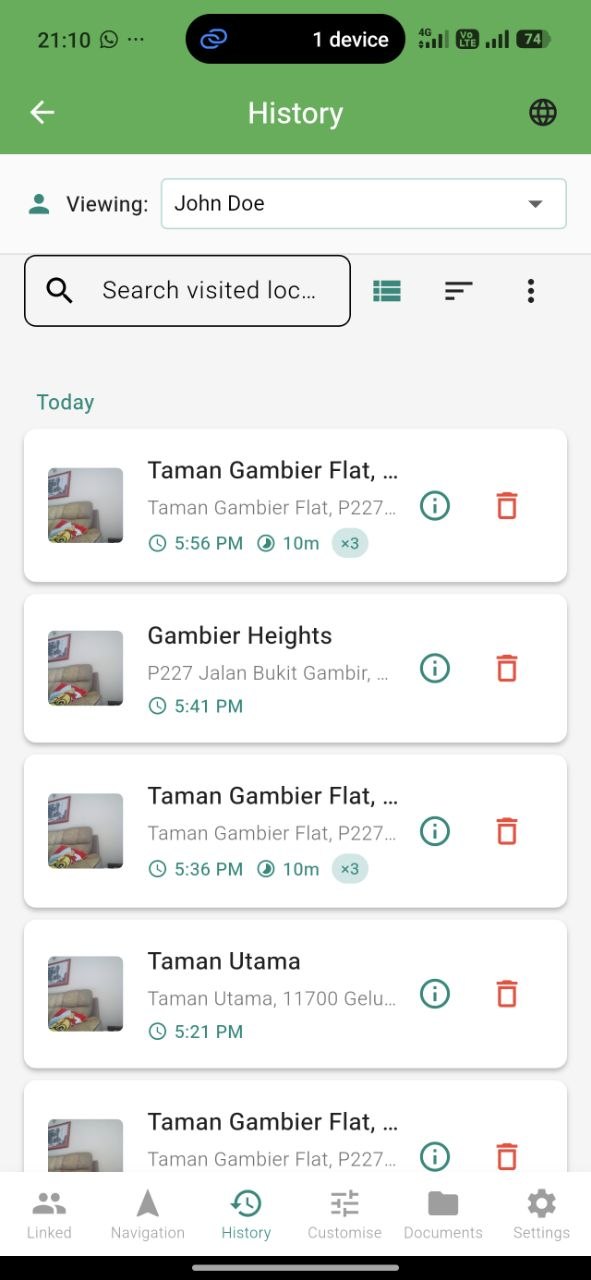
A full timeline of every place you’ve been.
- Map view — see all visits on a map
- Date filtering — jump to a specific day, week, or month
- Address lookup — each visit shows the closest known place name
- Share — send a visit to a caretaker via chat (e.g. “I was here yesterday”)
Chat & Messaging
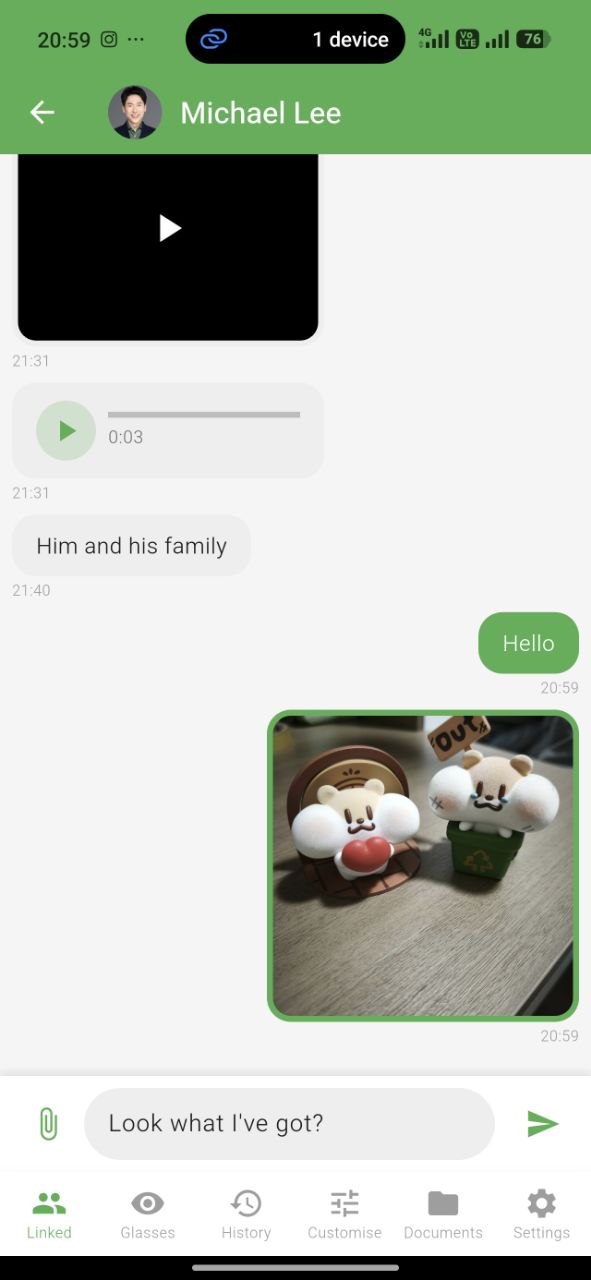
Message your linked caretakers with rich content.
Message types: text, voice, image, video
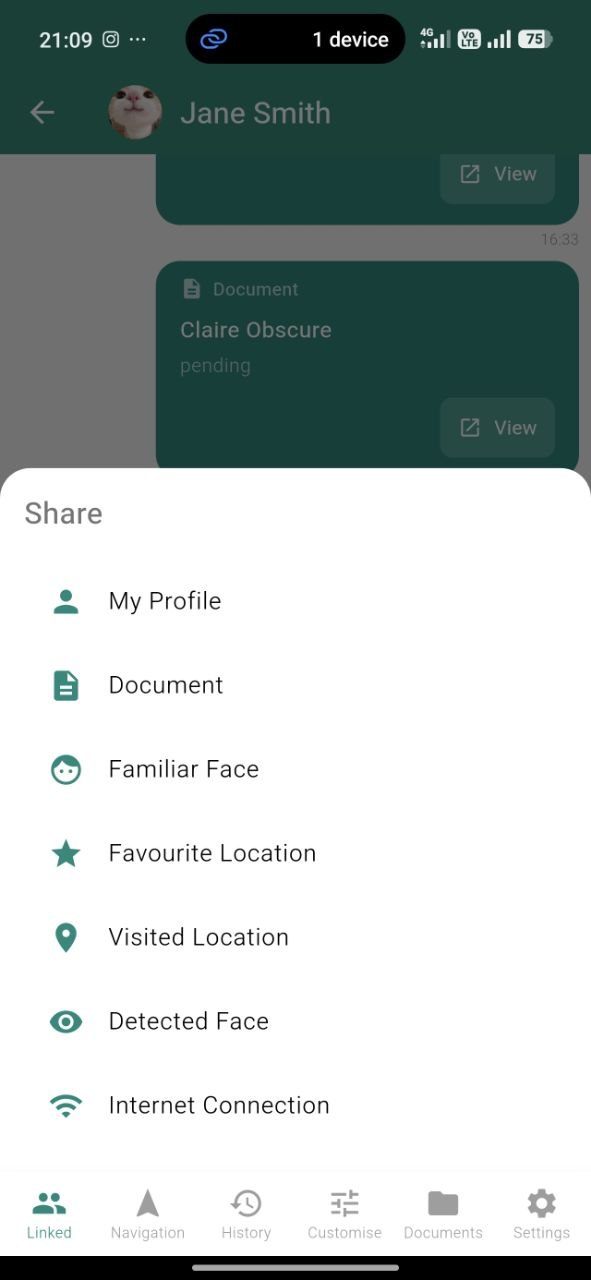
Share anything from inside the app:
- Scanned documents
- Familiar faces (so the recipient can register them too)
- Detected faces (to let someone know who you saw)
- Favourite locations
- Visited locations
- WiFi network credentials
Device Customization
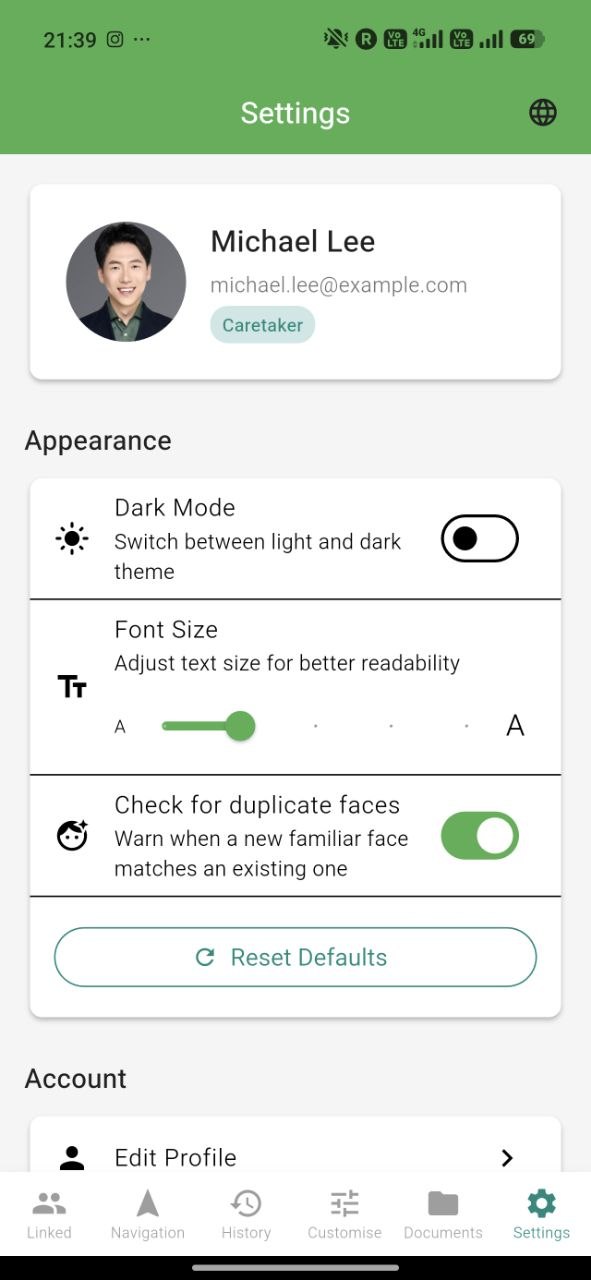
Every visual and behavioural aspect of the app can be tuned to match your needs:
- Language — primary and secondary language (English, Chinese, Malay)
- TTS Voice — choose from different spoken voice options
- Font size — slider from small to extra-large for comfortable reading
- Theme — toggle between light and dark mode anytime
- WiFi management — add and manage networks for the glasses
- Notification settings — control push notifications per category
QR Pairing
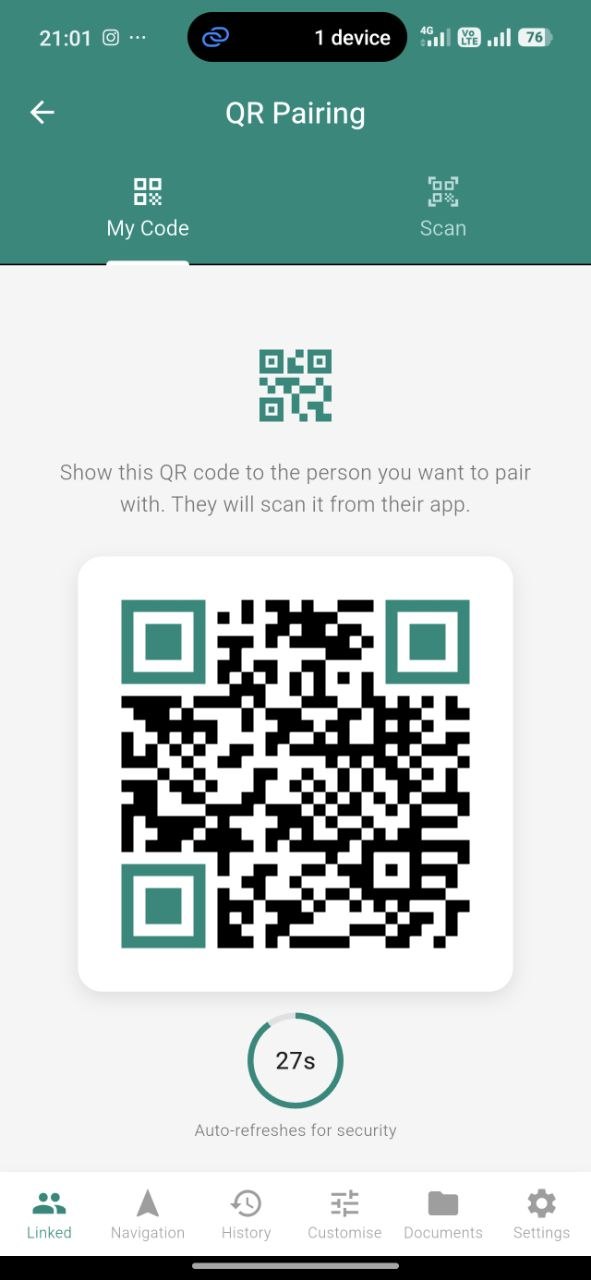
Link with a caretaker securely.
- Go to Pair Device
- A QR code appears (refreshes every 30 seconds for security)
- Your caretaker scans it with their app
- Once accepted, you’re linked — a chat conversation is automatically created
Glasses Status
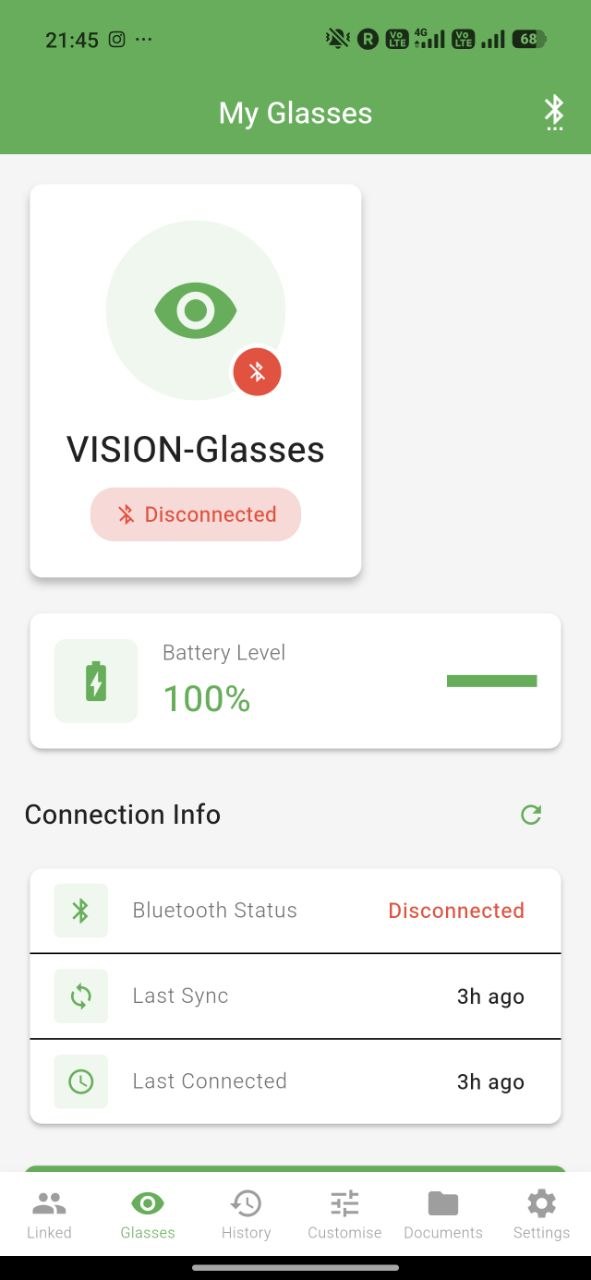
See your glasses at a glance:
- Battery level
- Connection status (online / offline)
- Last heartbeat (when the glasses last checked in)
- Current location (if tracking is on)